The fastest way to capture your screen on Windows.

Fast, fuss-free, open source. Built with Rust.

Get DoublShot for Windows

Install in seconds. Capture in milliseconds.

Quick capture:
Ctrl + Shift + S

Built for speed. Nothing else.

Exactly what you need. Nothing you don’t.

Capture in a keystroke

Select an area, a window, or everything—instantly.

Lightweight core

Tiny footprint. Big speed.

Share quickly

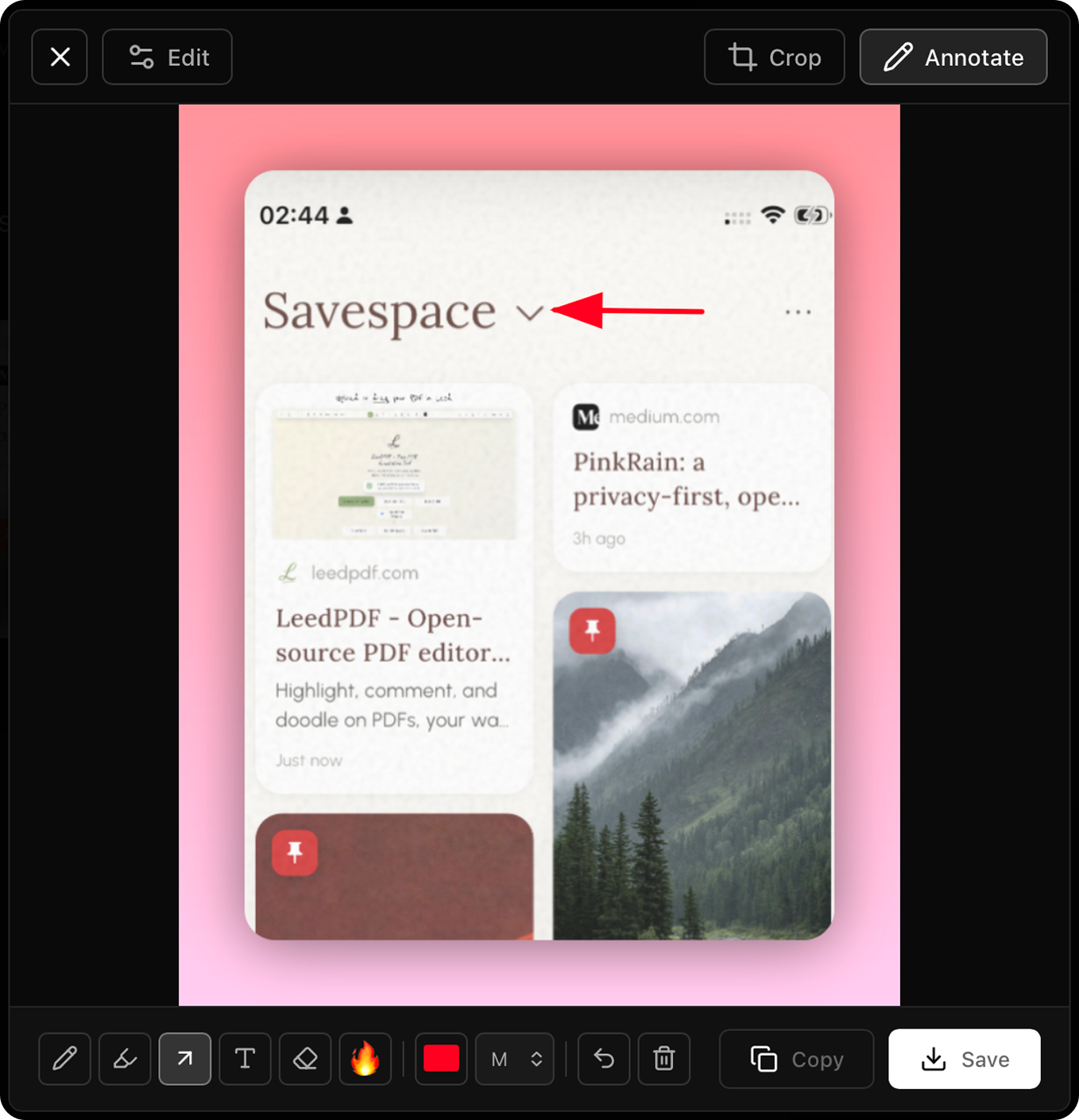
Copy to clipboard, save, or open in your favorite editor.

Hotkeys your way

Customizable shortcuts, start at boot.

Hit the keys. Get the shot.

Ctrl + Shift + S

Captured

Ready to upgrade your screenshots?

Small download. Big speed.

Download for Windows

Version 0.1.0 · Windows 10/11 · ~3 MB

Questions, answered.

The essentials about DoublShot.

What does DoublShot do?
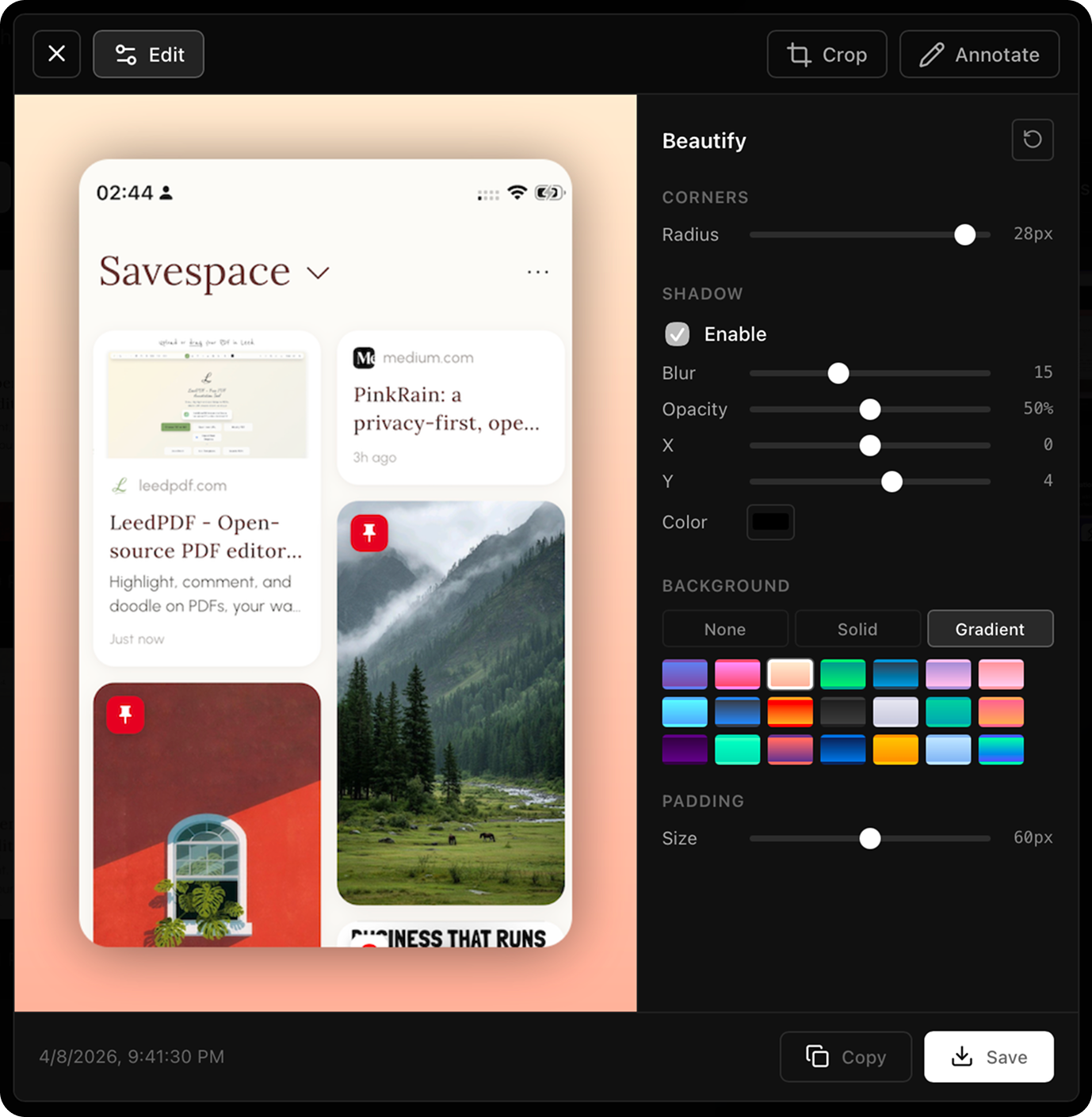
A fast, open-source screenshot tool for Windows—built with Tauri + Rust—with a sleek UI, rounded corners, optional shadows, and a system tray.
What shortcuts can I use?
DoublShot uses three global shortcuts: Ctrl+Shift+S for full screen capture, Ctrl+Shift+W for window capture, and Ctrl+Shift+A for custom area selection. These work globally, even when minimized to the system tray.
Where are my screenshots saved?
Screenshots are automatically saved to Pictures/DoublShot/ on your system. The app creates this folder automatically if it doesn't exist. Each screenshot is saved with a timestamp filename in PNG format.
What are the system requirements?
DoublShot runs on Windows. It requires minimal system resources—typically less than 50MB of RAM. Built with Tauri and Rust, it uses native OS screenshot APIs for maximum performance.
Is DoublShot really free?
Yes! DoublShot is completely free and open source under the EUPL v1.2 license. No premium features, subscriptions, or hidden costs. Use it freely for personal or commercial purposes.
Can I edit screenshots after capturing?
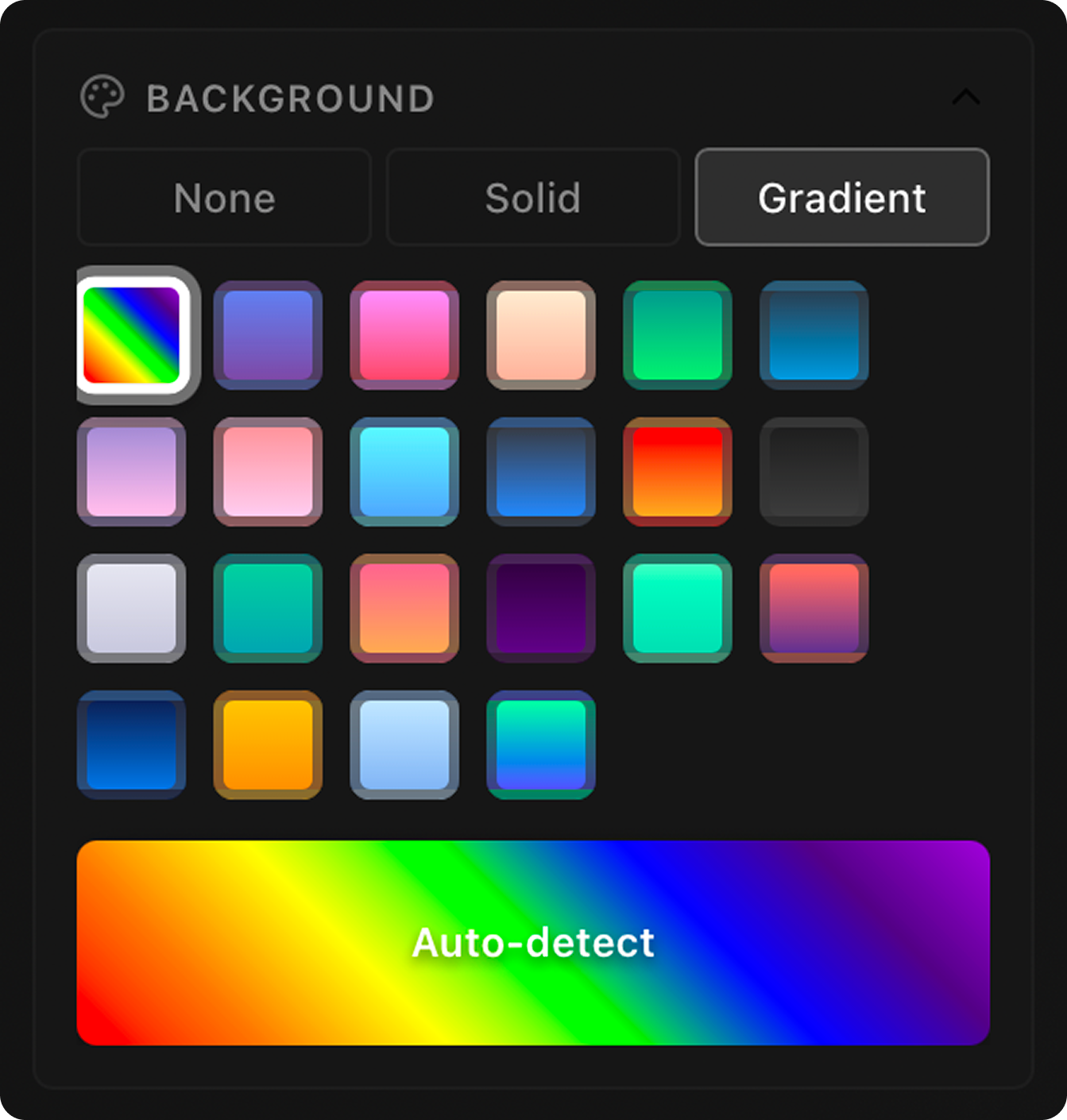
DoublShot focuses on fast, professional capture with built-in enhancements (12px rounded corners and optional shadows). Screenshots are saved as PNG files that you can open in any image editor.